


Choosing between Webflow and Framer usually comes down to one question. Do you need a content system that can grow for years, or a fast path to a polished site today. Both tools let you design and publish a website without writing code. But they were built around different users and different problems. This guide breaks down where each one wins, where it falls short, and which fits your project in 2026.
What Webflow and Framer Are Actually Built For
Webflow launched as a way to give designers the power of hand-coded HTML and CSS without touching a text editor. Every panel in the Designer maps to a real CSS property. What you build behaves like production code because it is production code.
Framer started as an interaction prototyping tool for product designers. It later grew into a full website builder. Its canvas still feels like Figma: you place elements, apply presets, and drop in prebuilt components. That heritage shows in how fast you can move, and in how much the platform decides for you.
Neither approach is wrong. Webflow trades speed for control. Framer trades some control for speed. The right pick depends on which trade-off matches your project.
Ease of Use and the Learning Curve
Framer is the easier entry point for most people, especially designers coming from Figma or Sketch. The properties panel is minimal and the canvas is forgiving. You can publish a working page in an afternoon without learning box model or flexbox.
Webflow asks more of you upfront. You need to understand classes, combo classes, and how elements nest before the tool starts to feel intuitive. That investment pays off once your site grows past a handful of pages. The underlying structure stays clean and predictable no matter how complex the build gets.
Design Flexibility: Visual Presets vs Full CSS Control
Webflow gives you direct access to the CSS box model. Padding, margin, position, and every breakpoint are configurable down to the pixel. There is no default style you cannot override. That ceiling makes Webflow the stronger choice for custom, art-directed sites where every detail matters.
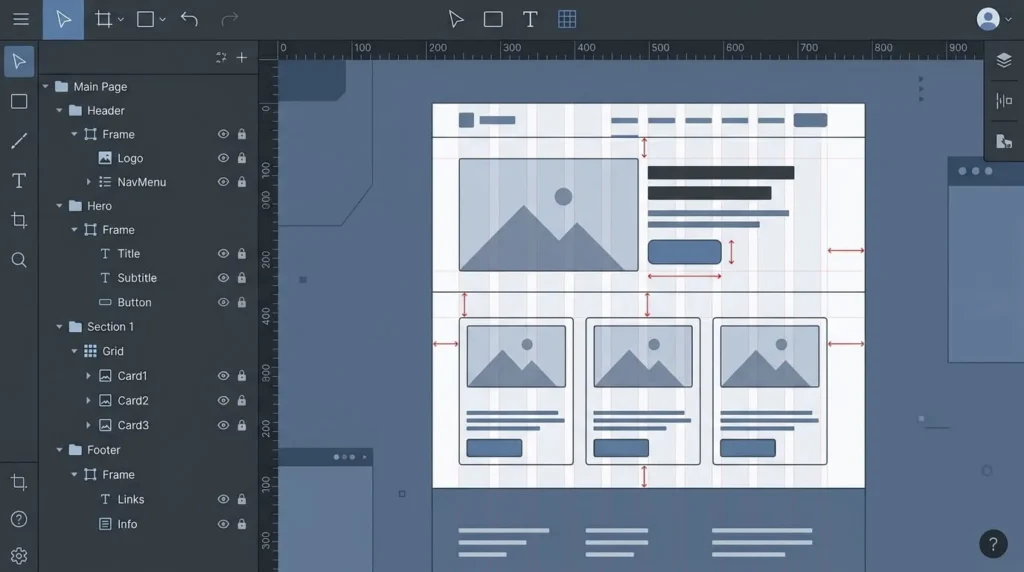
Framer works from opinionated defaults and a growing library of reusable components and effects. You get to a good-looking result faster, but you work within the shapes the platform gives you. For most landing pages, portfolios, and marketing sites, that ceiling is plenty high. For a site built around an unconventional layout, Webflow still has more headroom.
CMS and Content Management
This is where the two platforms diverge the most, and where picking wrong causes the most pain later.
When Framer’s CMS Is Enough
Framer’s CMS handles straightforward collections well: a blog with a flat structure, a set of case studies, a simple team directory. If your content model is simple and your page count stays modest, Framer’s CMS will not slow you down.
When You Need Webflow’s CMS
Webflow supports multi-reference fields. Posts can link to authors, categories, and related content in a properly normalized structure. That matters the moment your content strategy involves more than one content type talking to another. A site with hundreds of articles, filtered directories, or dynamic cross-linking will hit Framer’s ceiling fast. Webflow keeps scaling without a rebuild.
Ecommerce: Built In vs Bolted On
Webflow ships native ecommerce, covering products, cart, checkout, tax, and inventory inside the same platform you build the site in. Framer has no built-in store. Selling through Framer means connecting a third-party tool such as Shopify’s Buy Button, Lemon Squeezy, or a similar checkout integration.
For a handful of digital products or a simple storefront, that workaround is fine. For a catalog-driven shop with variants, discount logic, and shipping rules, Webflow’s native ecommerce is the safer bet. It removes a layer of integration risk that Framer users have to manage manually.
SEO, Performance, and Why Rendering Approach Matters
Webflow renders pages as server-side HTML and CSS with minimal JavaScript. That tends to produce strong Core Web Vitals scores without much extra work. Framer renders through React on the client side. That can add a small delay to Time to Interactive on first load. The gap is rarely noticeable to a visitor on a well-built site.
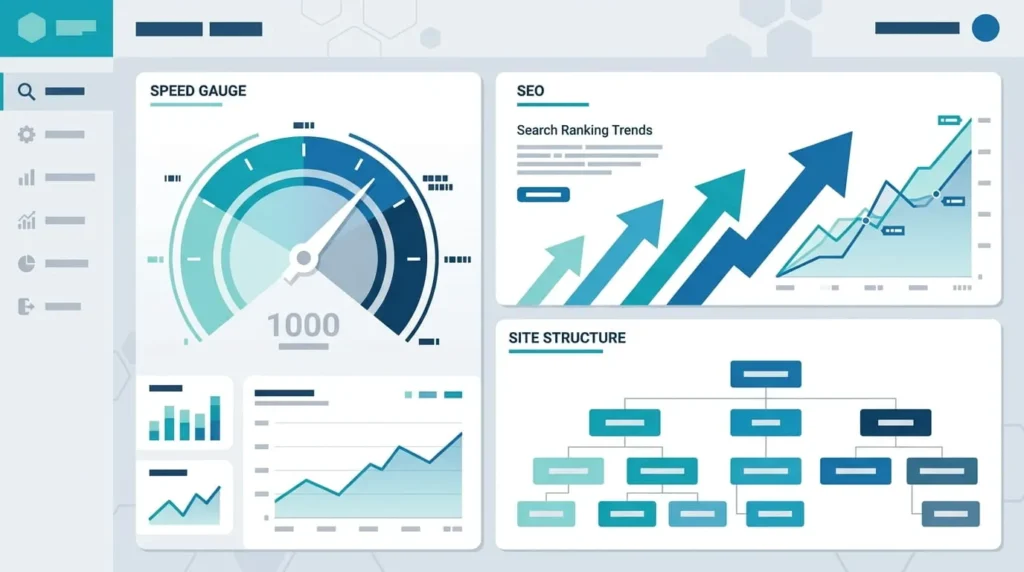
On SEO controls specifically, Webflow gives you native fields for meta titles, descriptions, canonical tags, redirects, and schema markup, all without plugins. Framer covers the essentials: meta titles, descriptions, and sitemaps. Canonical tag handling and redirect management still require more manual workarounds. If organic search drives your business, that gap matters more than a millisecond of load time either way.
Animations and Motion Design
Framer’s animation tools are approachable by design. Transitions, scroll effects, and state-based interactions come built in and look polished with little setup. That is part of why designers gravitate toward it for portfolio and product sites.
Webflow’s interaction system can produce equally sophisticated motion, including scroll-triggered sequences and custom easing. It takes more configuration to get there. Teams that want GSAP-level animation precision inside Webflow typically add custom code rather than relying on the built-in panel alone.
AI Website Building and Agent Support in 2026
Both platforms have added AI tooling, but the depth differs. Framer’s AI agent lives inside the editor and also connects through MCP to external coding tools. It can restyle sections, build components, and manage the CMS, including creating entirely new collections from a prompt.
Webflow ships an official MCP server too. It can build responsive sections, manage classes and components, and bulk update items inside CMS collections. The current limitation is that it cannot create a brand new CMS collection on its own. Someone still has to set that structure up by hand first. If your workflow depends on an AI agent building a whole content model from scratch, Framer covers that gap more completely today.
Pricing: How the Costs Actually Stack Up
Framer’s pricing structure is simpler. Hosting, CMS, and the editor are bundled into a single site plan, and the entry tiers are generally cheaper than Webflow’s equivalent. Webflow splits cost across a site plan, a workspace fee for team seats, and a separate plan for ecommerce. The total adds up faster once a team or a shop is involved.

The pattern holds across most freelance and agency work. Framer tends to win on price at the entry level. Webflow’s higher tiers become worthwhile once you need a large CMS, multiple editors, or native ecommerce. Run the comparison at the tier your actual project needs, not the cheapest plan either platform advertises. A bare-bones plan rarely covers CMS and a custom domain together on either side.
Client Handoff and Team Workflows
Framer lets an agency add a client as a project editor at no extra cost through its Pro Expert program. It also supports transferring full ownership of a project without downtime. Webflow requires the client to hold their own paid workspace seat to edit content after launch. That adds a recurring cost that freelancers need to factor into their pricing.
For agencies running many small client sites, that difference in handoff cost adds up. For teams that need structured roles, permissions, and staging environments across a larger organization, Webflow’s workspace tooling is more mature.
Which Platform Fits Your Project
Choose Framer If
You are a designer without a development background. The site is a portfolio, landing page, or simple marketing site. You want to ship in days rather than weeks, and your content needs stay simple.
Choose Webflow If
The site needs a serious CMS, or SEO is a primary growth channel. You are planning native ecommerce, or the project will keep growing in scope and page count over the next few years.
Can You Migrate Between Webflow and Framer Later
There is no one-click conversion in either direction. Moving a site from Framer to Webflow, or the reverse, means rebuilding the design from scratch. You can usually export and re-import structured content like blog posts as CSV. Treat that migration cost as part of the original decision. A site that outgrows Framer’s CMS in a year effectively needs a second website project, not a simple upgrade.