
If your Echo just turned red and stopped answering, here is the short answer. Alexa cannot hear you right now. A red light almost always points to one of three things. It could be a muted microphone, a disabled camera, or a connection problem. None of these situations damage the device. Most clear up in under a minute once you know which one you are dealing with. This guide walks through every cause of the red light and how to tell them apart. It also covers the exact steps to get your Echo back to its normal blue glow.
What a Red Light on Alexa Actually Means
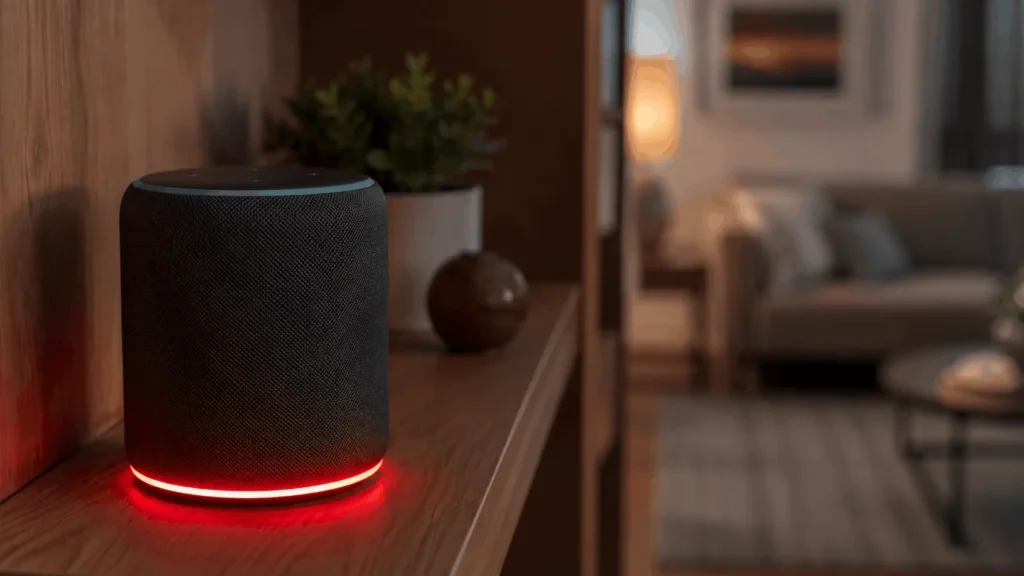
Every color on an Echo device is a status signal, not a decoration. Blue means Alexa is listening or thinking. Yellow means you have a notification. Red means the device is not picking up audio at all. When the light turns red, Alexa stops processing wake words. Saying “Alexa” will not get a response until the light changes back.
The exact shade and pattern matter here. A steady, unmoving red usually points to something switched off on purpose, by you or someone in your home. A red light that pulses or flickers usually points to a connection problem the device is trying to resolve on its own. Knowing which pattern you are looking at narrows down the fix before you touch a single button.
Common Reasons Why Your Alexa Is Red
1: The Microphone Has Been Muted
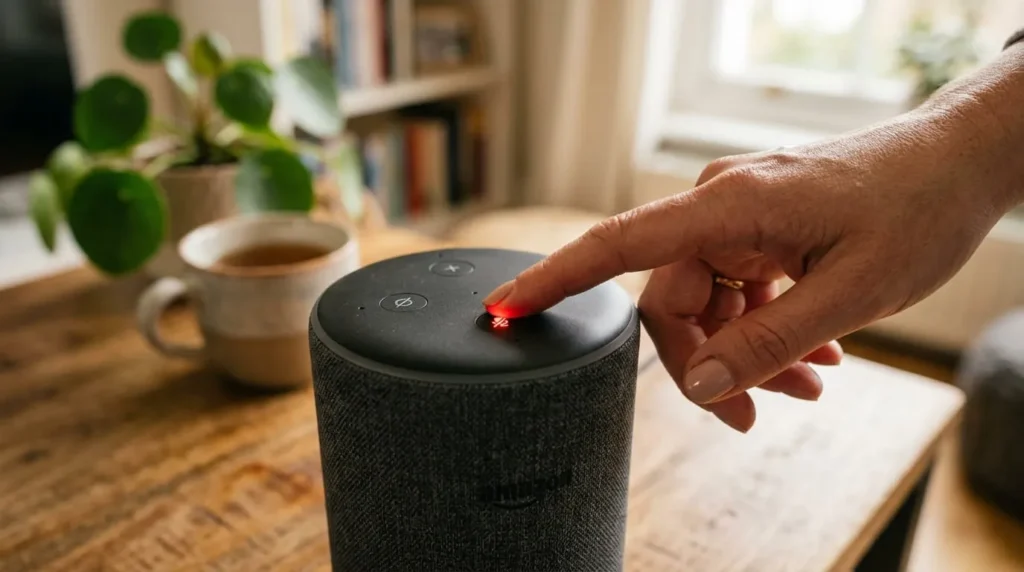
This is the reason behind most red lights on Echo devices. Every Echo has a physical mute button, usually marked with a microphone icon or a circle with a line through it. Pressing it cuts power to the microphones entirely. Alexa cannot hear anything, including the wake word, until you press it again.
Muting happens on purpose more often than people expect. Parents mute a device before a call, and guests sometimes mute one out of curiosity. Robot vacuums and curious pets also bump the button by accident more than you would think. Once muted, the button itself usually glows red as a visual reminder.
2: The Camera Has Been Turned Off
On Echo Show models and other Echo devices with a built in camera, red can mean something slightly different. A red light bar can signal that the camera has been disabled rather than the microphone. This is a deliberate privacy feature. Amazon designed these devices so you always have a visible cue when video is not being shared. The mic button works the same way for audio.
3: Your Wi-Fi Connection Has Dropped
Alexa relies on a live internet connection for almost every request. The actual voice recognition happens on Amazon’s servers, not on the device sitting on your shelf. If your router loses power or your internet goes down, the light can turn red while Alexa tries and fails to reconnect. Moving the Echo too far from your router can cause the same result. This type of red light almost always pulses rather than staying perfectly still.
A pattern of dropped connections usually points to the network itself, and these wifi signal fixes are worth working through before assuming the device is at fault.
Amazon’s Servers Are Temporarily Down
Your internet connection can be working perfectly, and Alexa can still show red. This happens when Amazon’s own servers are having an outage. These outages are rare and usually short. They tend to affect every Echo owner at once rather than a single household. If your phone has a normal connection yet Alexa still will not respond, a server issue is worth ruling out first.
A Hardware Problem With the Device
If your Echo was recently dropped or exposed to liquid, the microphone hardware itself can fail. Age can cause the same issue on older units. This is the least common cause of a red light. It is worth considering only after you have unmuted the device, restarted your router, and confirmed your internet is working normally.
Solid Red vs Blinking Red: What Is the Difference
Most guides treat every red light the same way. The pattern is actually one of the fastest ways to diagnose the problem. A solid, unwavering red ring almost always means the microphone or camera has been switched off deliberately. The fix here is simple: press the mute button and the light clears right away.
A red light that pulses, flashes, or fades in and out tells a different story. This pattern points to a connection issue rather than a muted device. The Echo is actively trying to reach your Wi-Fi network or Amazon’s servers and failing. It keeps signaling the problem instead of settling into a steady color. If you see pulsing red, check your network before you assume the microphone is the culprit.
How to Fix a Red Light on Alexa
1: Unmute the Microphone First
Locate the mute button on your device. On most Echo and Echo Dot models it sits on top. On newer Echo Dot generations it has moved to the top edge. On an Echo Show, look beside the volume controls. Press it once. If the mic was the issue, the red light disappears right away. Alexa plays a short tone to confirm it can hear again.
2: Restart Your Router
If the light is pulsing rather than solid, start with your network. Unplug your router and modem, wait a full sixty seconds, then plug them back in. Give the network a minute or two to fully reconnect before testing Alexa again. This single step resolves most connectivity related red lights.
3: Restart the Echo Device Itself
Unplug your Echo from power and wait about thirty seconds. Plug it back in and watch the light cycle through its normal startup pattern. This clears temporary software glitches that a simple mute or network fix will not touch.
4: Check for a Wider Alexa Outage
Open the Alexa app and see whether it can load device status or your smart home controls. If the app is also unresponsive, and your other devices have a working connection, the issue is likely on Amazon’s end. Waiting it out is usually the only option, and service typically returns within an hour.
Factory Reset as a Last Resort
If the red light persists after unmuting, restarting the router, and restarting the device, try a factory reset. You can do this through the Alexa app. It erases your device settings, so treat it as a final step rather than a first response.
Does the Red Light Look Different on Every Echo Device
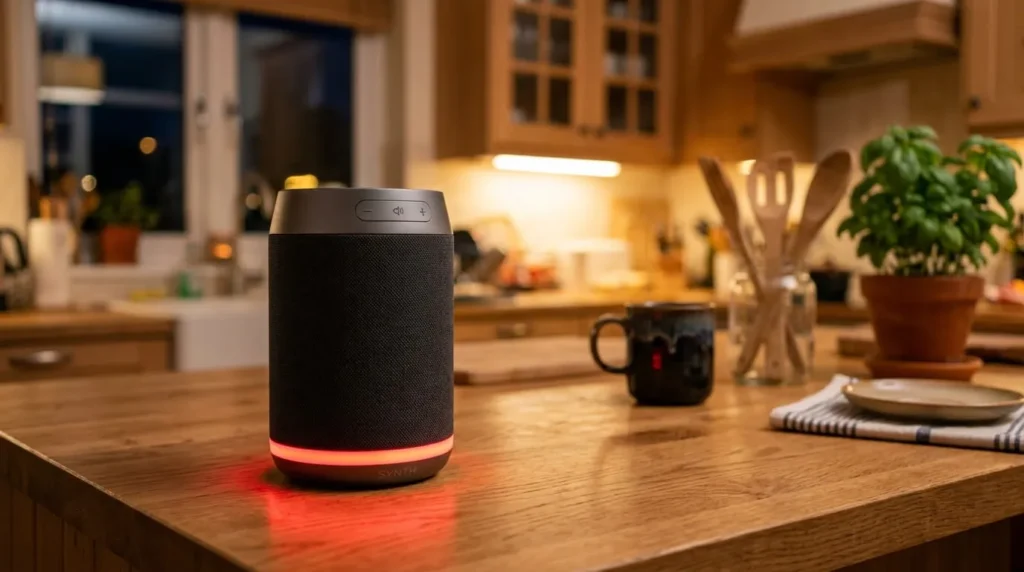
The red indicator is not identical across every Alexa product. This is part of why the question causes so much confusion online. Original Echo and Echo Dot models display a full ring of light around the top of the device. Fourth and fifth generation Echo and Echo Dot models moved this ring to the base instead. The glow now sits lower down on these devices.
Echo Show devices swap the ring for a light bar running along the bottom edge of the screen. This bar turns red for the same reasons the ring does on other models. Alexa built into third party hardware, such as certain soundbars, thermostats, and smart displays, generally follows a similar pattern. Solid red usually means muted, and pulsing red usually means disconnected, though the exact placement of the light varies by manufacturer.
Can You Still Use Alexa When the Light Is Red
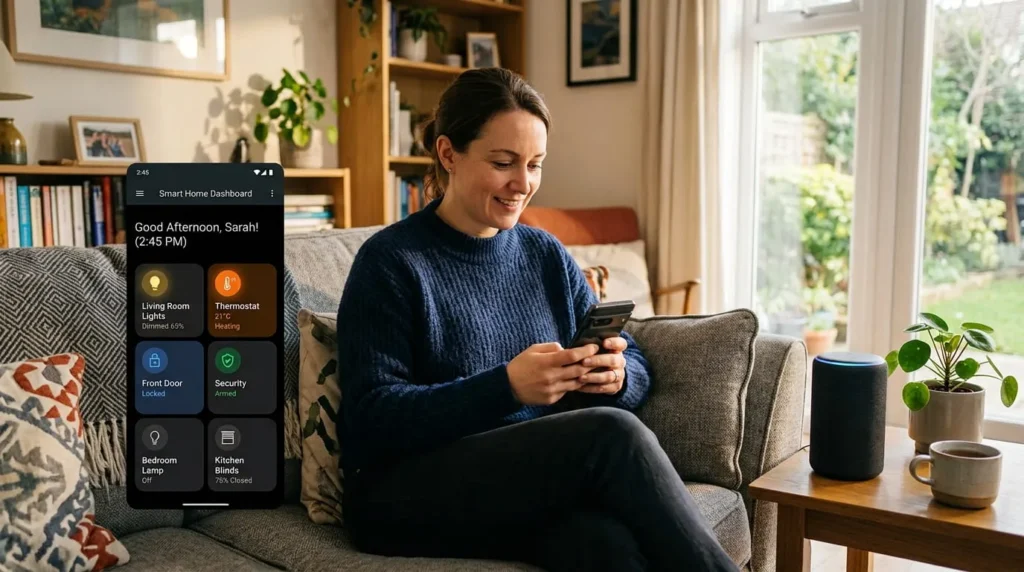
If the red light is caused by a muted microphone, you still have options. You can control your smart home devices, play music, and check most settings through the Alexa app on your phone. Muting only blocks voice input. It does not break the connection between the Echo and your other smart devices. This matters if you rely on Alexa to manage cameras, locks, or lights while the microphone happens to be off.
If the red light is caused by a Wi-Fi or server problem, the app usually will not help. Both the app and the device depend on the same internet connection, so the app tends to be just as unresponsive.