
Most people buy a wireless charger based on price or looks, then wonder why their phone charges slower than expected or won’t charge through a thick case. The best wireless chargers get you the fastest speed your phone actually supports, sit flat enough that alignment isn’t a guessing game, and come from a brand that stands behind its safety testing.
This guide breaks down the best wireless chargers by how you actually use your phone, then walks through what separates a charger worth buying from one that will frustrate you within a week.
Prices for a solid wireless charger range from about 15 dollars for a basic pad to well over 100 dollars for a premium multi-device stand, and the jump in price is usually justified by faster charging, sturdier build materials, and better heat management rather than by branding alone.
Best Wireless Chargers by Category
There is no single “best” wireless charger because the right pick depends on your phone, your desk setup, and whether you’re charging one device or three. Here are the categories worth shopping by.
1: Best Overall Wireless Charger
A charging stand with a built-in fan and support for the newer Qi2 standard is the safest general pick if you want strong, consistent performance without babysitting your phone’s alignment. Stands also let you glance at notifications while the phone charges, which a flat pad does not.
2: Best Budget Wireless Charger
A basic 10W to 15W Qi pad without extra features like a fan or stand mechanism still charges most phones reliably. Skip pads that don’t list a wattage rating at all, since that usually signals the manufacturer isn’t being upfront about real performance.
3: Best Wireless Charger for iPhone
For iPhone models with MagSafe, a MagSafe-compatible charger with embedded magnets snaps into perfect alignment automatically, so you get the full 15W to 25W the phone supports. A non-MagSafe pad still works but requires you to place the phone precisely over the coil every time.
4: Best Wireless Charger for Android
Android charging speeds vary more than iPhone speeds because manufacturers use different fast-charging protocols on top of the Qi standard. A charger explicitly listed as compatible with your phone’s brand, such as Samsung’s own charging line, is more likely to hit its advertised speed than a generic pad.
5: Best Multi-Device Wireless Charging Station
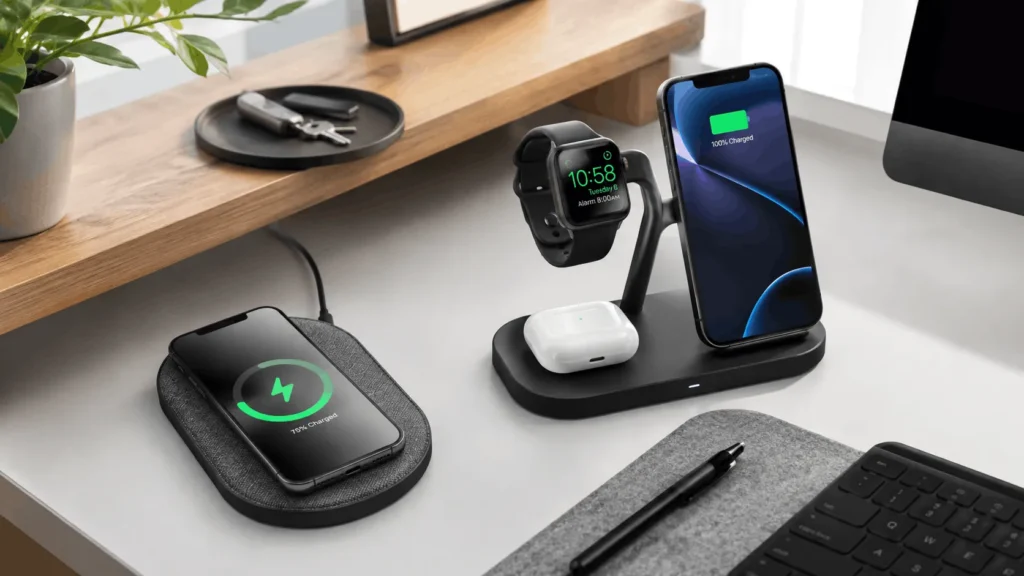
A 3-in-1 stand that charges a phone, a smartwatch, and earbuds at once clears the clutter of three separate cables on your nightstand. These cost more upfront, usually 60 to 100 dollars, but they replace three chargers you’d otherwise need to buy and plug in separately.
6: Best Wireless Charger for Travel
A foldable charging stand that collapses flat fits in a bag pocket without the puck-and-cable bulk of a standard charger. Look for one rated at 15W or higher so travel doesn’t mean settling for a noticeably slower charge.
Qi2 vs Qi: What the Standard Actually Means for You
Qi2 is the newer wireless charging standard built around magnetic alignment, similar to how Apple’s MagSafe works, and it officially supports up to 15W. Older Qi chargers rely on you lining up the phone’s coil with the pad’s coil by eye, which is why misaligned charging is the most common complaint with cheap pads.
If your phone supports Qi2, buying a Qi2-certified charger gets you consistent full-speed charging every time you set the phone down, not just when you happen to place it correctly. If your phone only supports standard Qi, a Qi2 charger still works but won’t give you the magnetic snap.
How Wireless Charging Speed Really Works
Wireless charging is inherently less efficient than a cable because power has to transfer through electromagnetic induction instead of a direct connection, and that process loses energy as heat. Even a 15W wireless charger will typically charge a phone slower than a 20W wired charger of the same rated wattage.
Two things determine your real-world speed: the charger’s maximum wattage and the wall adapter powering it. A 15W wireless charger plugged into a weak 5W adapter, like the one that used to ship in the box with older iPhones, will charge at a fraction of its rated speed. Always pair a fast wireless charger with a wall adapter rated at 20W or higher.
Wireless Charging vs Wired Charging: Which to Use When
Neither option is universally better, so it comes down to what you’re doing at the moment. Wired charging is the right call when you need to top up quickly before heading out, since even a modest wired charger will outpace a wireless pad of the same wattage.
Wireless charging is the better habit for overnight charging, your desk during the workday, or your nightstand, where speed matters less than convenience and not wearing out your charging port. Many people end up using both, a wired charger for quick top-ups and a wireless charger for the hours their phone sits still.
If your phone’s battery health matters to you long term, slower wireless charging overnight is actually gentler on the battery than a fast wired charge, since rapid charging generates more heat and heat is the main driver of battery wear over time.
Does a Phone Case Affect Wireless Charging
Yes, and the effect is bigger than most people expect. Cases thicker than about 3mm, and any case with metal components, magnetic wallets, or credit cards attached, can slow charging significantly or block it entirely. Silicone and most thin plastic cases cause little to no noticeable slowdown.
If your phone is charging noticeably slower than it used to, removing the case before testing again is the first troubleshooting step, before assuming the charger itself is faulty.
Is Wireless Charging Safe for Your Phone Battery
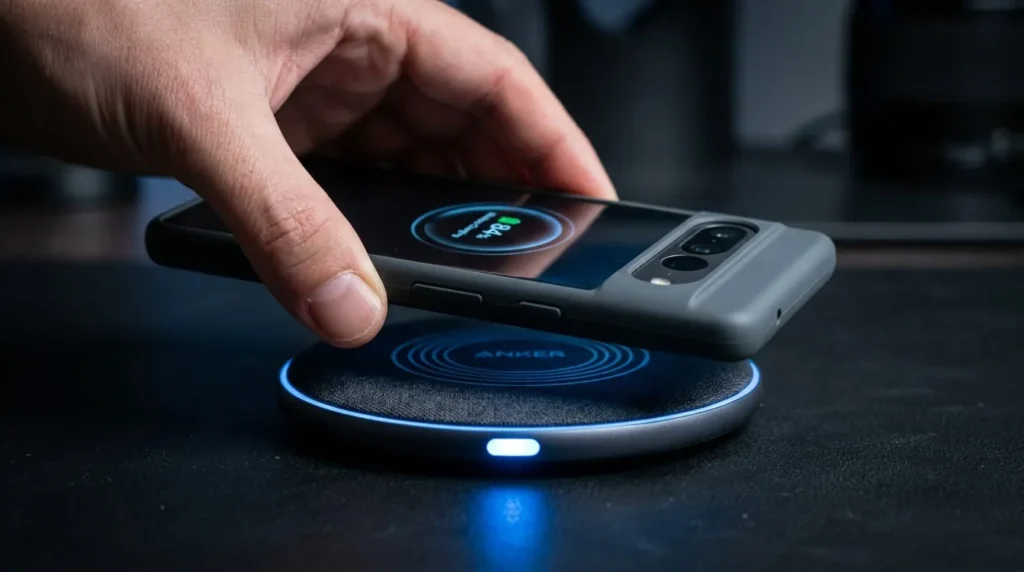
Wireless charging from a certified charger is safe for daily use and does not meaningfully damage battery health any faster than wired charging does. What matters more for long-term battery health is heat exposure, so avoid leaving your phone on a wireless charger inside a hot car or under direct sunlight.
Buy chargers with foreign object detection, a feature that senses metal objects like keys or coins on the pad and cuts power before they heat up. Reputable brands include this by default; ultra-cheap unbranded pads sometimes skip it to cut costs.
Wireless Charger Buying Checklist
Before you buy, check these four things against your specific phone model rather than the charger’s marketing copy alone.
Wattage compatibility: match the charger’s max wattage to what your phone actually supports, since paying for 25W does nothing if your phone caps at 15W.
Certification: look for Qi or Qi2 certification and, ideally, UL or similar safety certification rather than an unbranded pad with no listed standards.
Included wall adapter: some chargers ship without one, so you’ll need to already own or separately buy an adapter rated high enough to hit full speed.
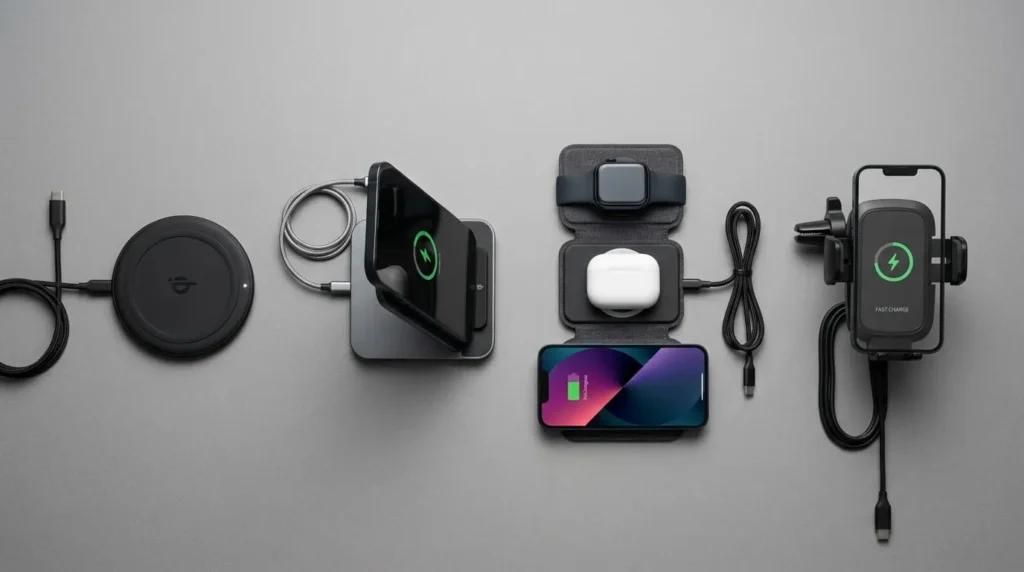
Surface and angle: decide whether you want a flat pad for a nightstand, a tilted stand for video calls and notifications, or a car mount for driving.
Common Wireless Charging Problems and Fixes
A charger that stops working intermittently is usually an alignment or heat issue rather than a defective unit. Try wiping both the phone and pad surface clean, since dust or a screen protector edge can interfere with the connection.
If charging is unusually slow, check the wall adapter’s wattage rating first, then test with the case removed to rule out interference. If the charger gets noticeably hot to the touch during use, unplug it and let it cool, since sustained heat is a sign it’s working harder than it should to maintain the connection.
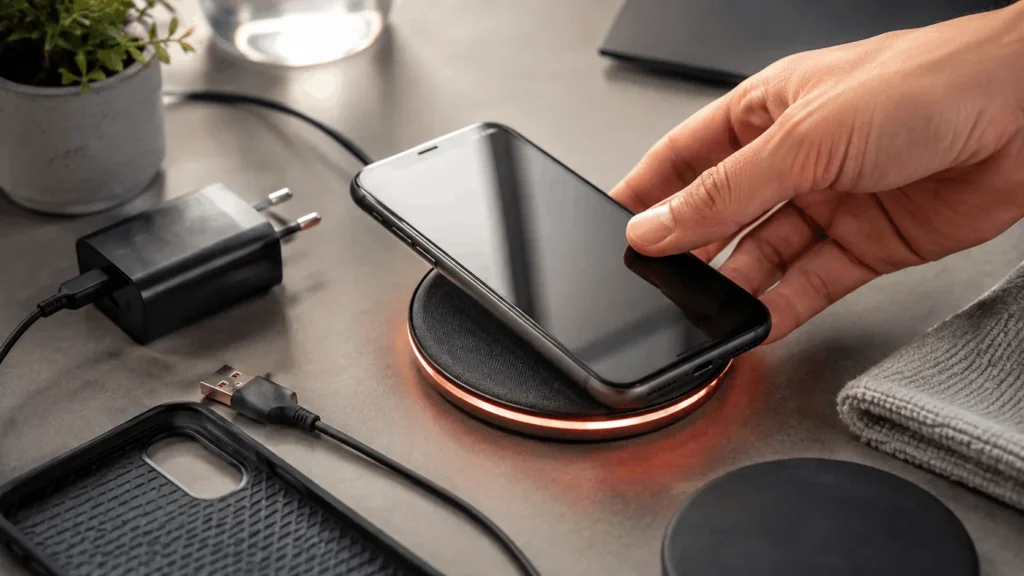
If your phone shows a charging icon but the percentage isn’t climbing, the connection is likely dropping in and out due to slight misalignment rather than a dead charger. Nudging the phone a few millimeters or switching to a charger with magnetic alignment usually solves this permanently instead of requiring constant repositioning.
A charger that worked fine for months and suddenly stopped is more likely a worn cable or a failing wall adapter than a failing pad, since the coil itself rarely wears out. Swap the cable first before assuming you need to replace the whole charger.